Is willdo Right for Your Team? Use This Workflow Test
willdo is not the right answer to every AI use case.
If you need help with one-off writing or analysis, an AI chat tool may be enough. If you need a fixed trigger between two apps, simple automation may be the better choice.
I would consider willdo when you can name one recurring workflow that crosses apps or people and needs both execution and control. This article gives you a direct fit test, explains how the operating model works, and shows what your team should prepare before making a decision.
The quickest fit test starts with one real workflow
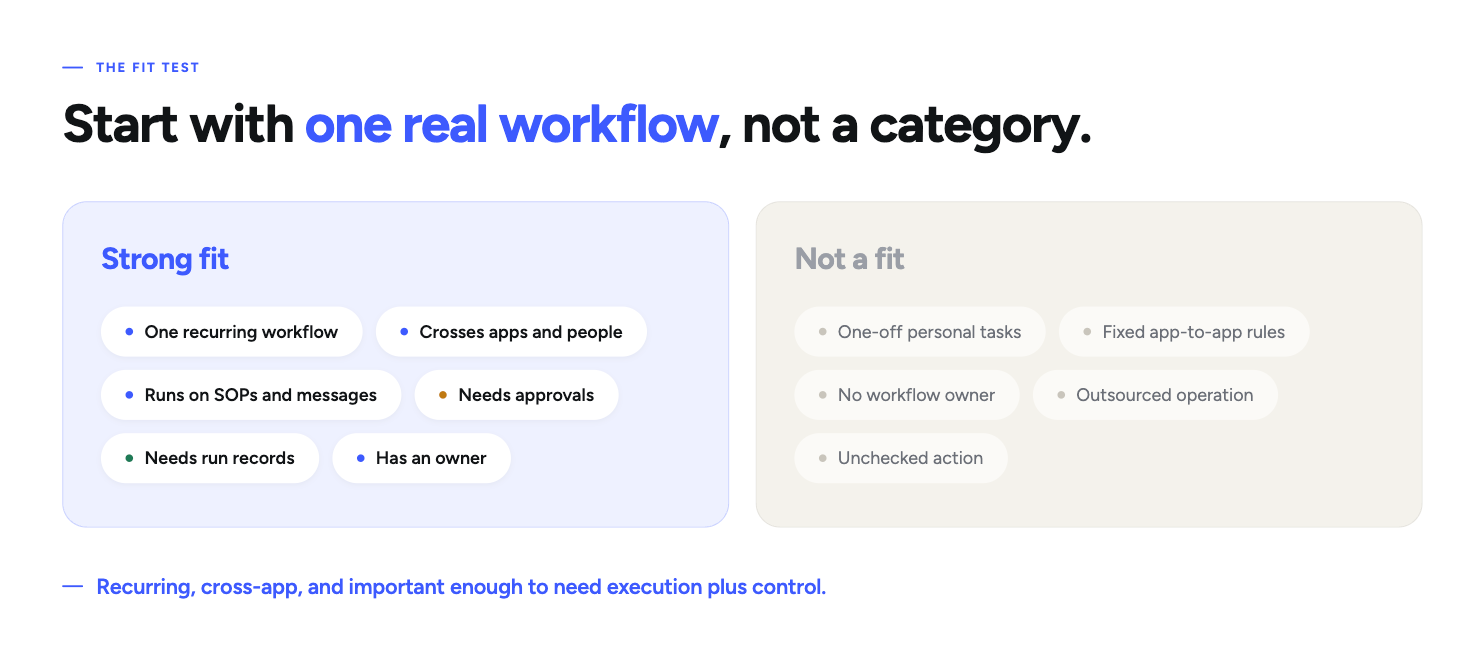
willdo is likely a strong fit when your team can answer “yes” to most of these questions:
- Can you name one recurring workflow right now?
- Does it cross at least two apps, people, or systems?
- Does it use context from SOPs, documents, messages, or business records?
- Are there actions that should require human approval?
- Do you need a readable record of what happened after each run?
- Is someone willing to own the workflow and improve it?
- Are you prepared to start with one use case before expanding?
willdo is probably not the best fit when your main need is:
- personal AI help for isolated tasks;
- a simple, fixed app-to-app rule;
- a broad AI initiative with no concrete workflow owner;
- an outsourced service that designs and operates the whole process for you;
- unchecked external action with no approval boundaries.
willdo solves a narrow operating problem
I would not describe willdo as “AI for everything.” Its useful category is much narrower.
It is built for recurring processes that still depend on people to route information, follow SOPs, make or request approvals, update business systems, and prove what happened afterward.
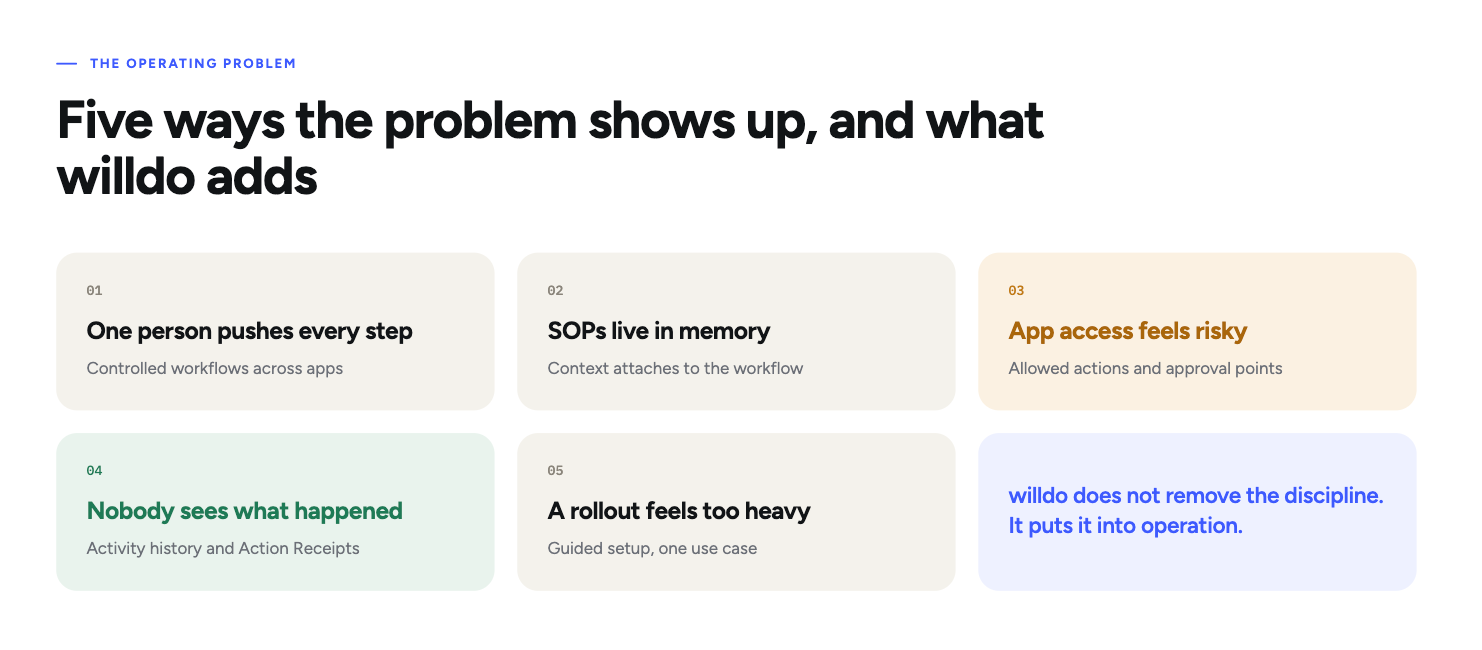
This model still requires discipline. The workflow needs a clear owner, enough process definition, and thoughtful boundaries. willdo does not remove that responsibility. It gives the team a structured way to put those decisions into operation.
From setup to a live run, the workflow follows a clear loop
The operating loop is easier to understand than a long feature list.
- Choose one recurring process. Start with a process that already creates manual routing, delays, or repeated follow-up.
- Attach the operating logic. Add the SOPs, instructions, documents, and context the workflow needs.
- Review connected apps and actions. Decide which systems the workflow may use and which actions are allowed.
- Set risk controls and approvals. Make higher-impact steps pause for a person before they affect customers, calendars, billing, or records.
- Simulate the workflow. Test the setup before live execution and fix unclear instructions or missing boundaries.
- Review Activity and Action Receipts. Inspect what ran, which actions were taken, what was approved, and where the process ended.
- Repeat and improve. Use each run to improve the workflow before adding the next use case.
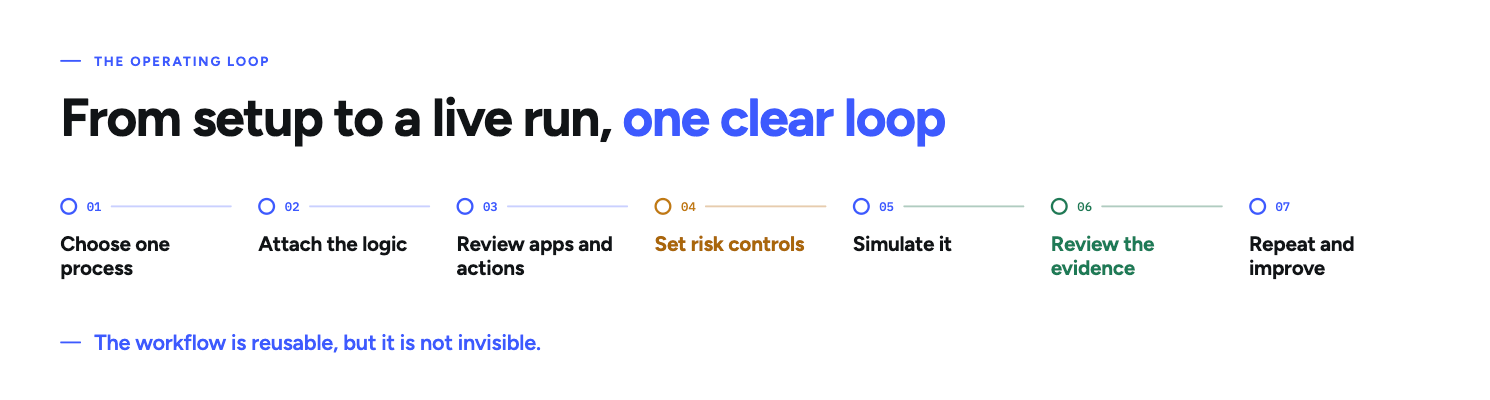
This is what turns AI from an isolated assistant into a managed operating process. The workflow is reusable, but it is not invisible.
The vacation-request example shows where control matters
A vacation request looks simple until you map the full chain.
The request may arrive through a direct message. The workflow then has to identify whether the message is a valid request, check the relevant time period, route approval, update the correct calendar, and leave a record that other operational processes can use.
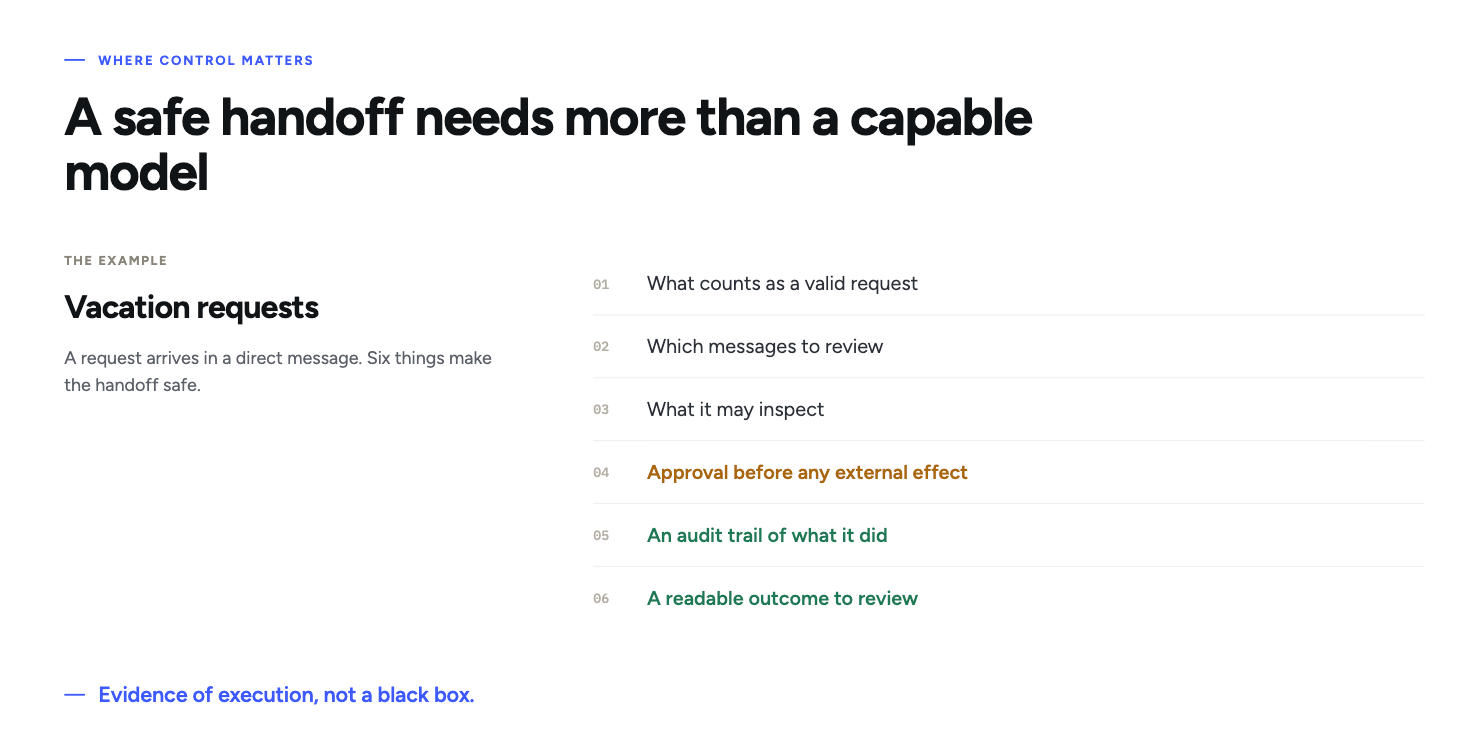
For that workflow to feel safe enough to hand off, the team needs more than a capable model. It needs:
- a defined set of keywords and synonyms for valid requests;
- a clear timeframe for message review;
- guardrails around what the workflow should inspect;
- an approval step before the request creates an external effect;
- an audit trail showing what the agent did;
- a readable outcome that the team can review afterward.
Your team needs six things before buying
You do not need a company-wide transformation plan. You do need a credible first use case.
Prepare:
- One workflow owner who understands how the process works in practice.
- One recurring workflow with a clear start and outcome.
- An SOP, checklist, or enough shared knowledge to define the normal path.
- A decision on approvals so the team knows which actions may run and which must pause.
- The relevant connected apps and context for that workflow.
- Time to simulate, review, and improve before relying on live execution.
A messy process is not an automatic disqualifier. But if nobody can explain the normal route or agree on who approves what, the first task is process clarification, not platform implementation.
Judge the cost against the manual work you already carry
I am not making a specific pricing claim here, but you can still evaluate the value logic.
willdo becomes more relevant when recurring work already costs you:
- operator time spent routing and checking steps;
- founder or manager attention on repeat approvals;
- inconsistent execution of the same process;
- poor visibility into what happened;
- delayed strategic work because routine work always comes first.
The buying case gets stronger when one workflow can run repeatedly and the resulting records help the team build trust. It gets weaker when the use case is vague, rare, or simple enough for a fixed automation.
Resolve these objections before you decide
Can we trust AI with access to business apps?
Do not rely on blind trust. Define which apps the workflow can use, which actions it may take, where it must pause, and what evidence it must leave. willdo's action scope, risk controls, approvals, Activity, and Action Receipts are designed around that model.
Will setup take too much effort?
It can if you start with a broad transformation project. It is more manageable when one owner brings one bounded workflow, the relevant instructions, and clear approval rules.
What if our process is not documented perfectly?
Perfection is not required. Enough shared understanding is. You must be able to describe the normal path, the important exceptions, and the points where a person should decide.
What if we only need chat or basic automation?
Then I would not choose willdo. Use the simpler option until the work requires context, app actions, approvals, and post-run evidence.
My recommendation: evaluate willdo against the workflow, not the category
Do not buy willdo because your company wants to “do more with AI.” Evaluate it against one process.
Bring a workflow that repeats, crosses apps, and currently depends on people to remember, route, approve, and verify each step. Then test whether willdo can make that work visible, bounded, repeatable, and reviewable.
If it can, you have a credible first use case. If the process is one-off, deterministic, or still too vague to map, use a simpler solution or clarify the workflow first.
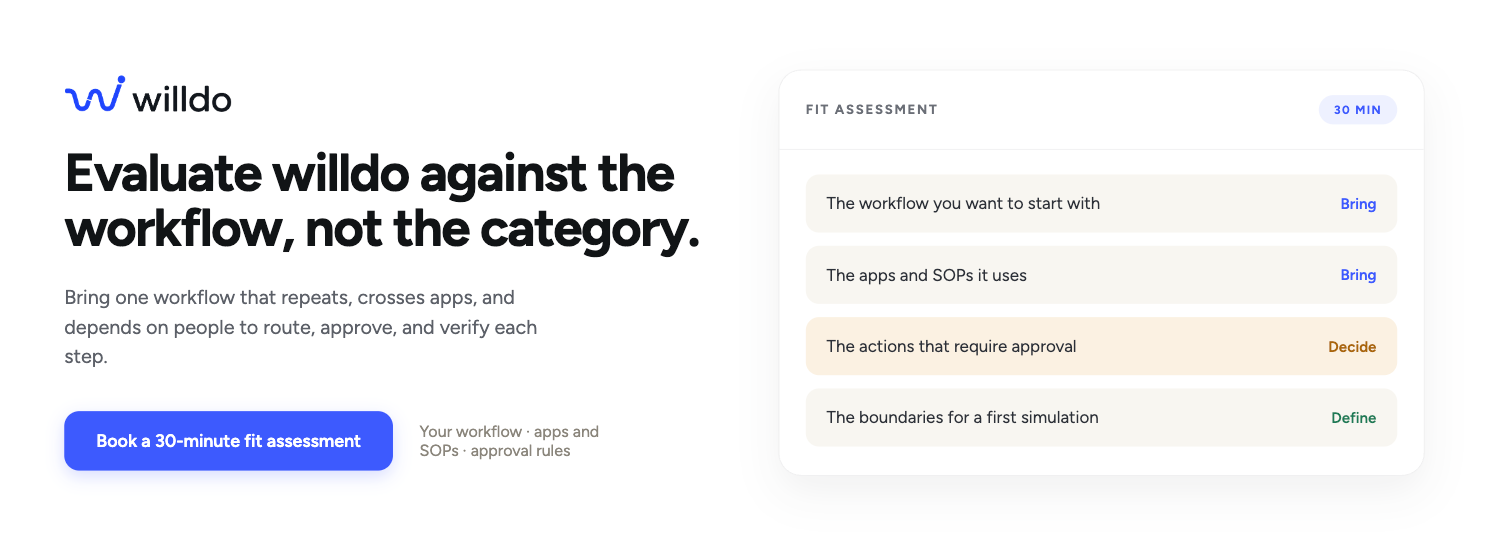
Next step: Book a 30-minute willdo fit assessment. Bring the workflow you want to start with, the apps and SOPs it uses, the actions that require approval, and the boundaries you would want in a first simulation.